
How Can We Help?
How to Override a Volunteer’s Approvals/Availability
You can override a Volunteer’s approvals or availability to add them to the schedule when you need to.
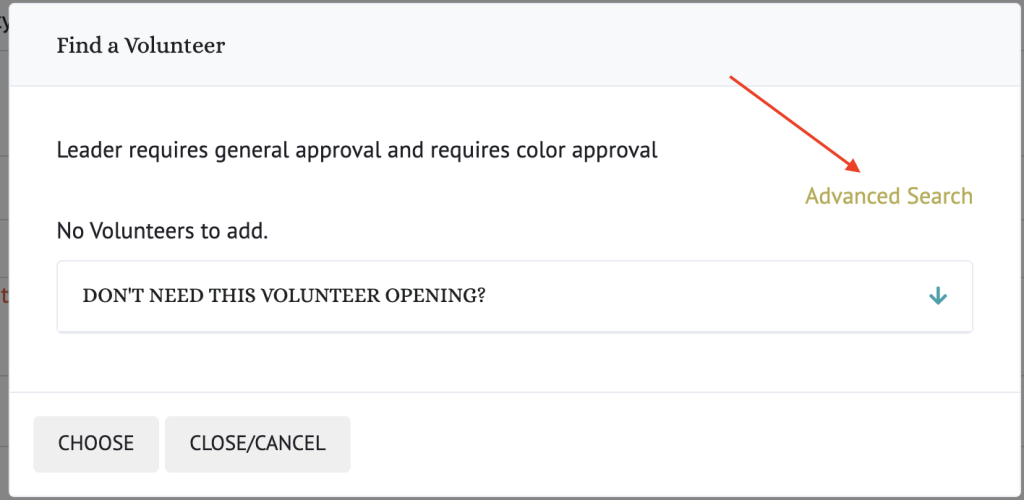
There are several things you can override:
- Volunteer Role Approvals – you can use this to allow a volunteer to fill a role that they might not be completely ready for but the situation means it is ok.
- Color Approvals – you can override a volunteer’s color approvals when needed. For example, a horse might be yellow and a volunteer is only approved to lead green horses. You can override their approvals to let them lead a yellow horse.
- Availability – if a volunteer has said (using their Availability) that they don’t want to help on a certain day or time or they are on vacation, you can override this and add them anyway. For example, if a volunteer doesn’t usually help on Wednesdays, you can override this and add them anyway. Obviously, you should talk with them first before you do it!
- Conflicts – you can override a conflict and double book a volunteer if needed. You can’t have the same volunteer on a lesson/event more than once however. But you can have them double booked with another overlapping event.
NOTE: None of these overrides change their availability or approvals, it just overrides this one time.
Here is a video with more info: